

WorldatWork Case study
The whole membership, on a phone
WorldatWork GO is a member app for iOS and Android. It gives members one place to read publications, register for events and webinars, follow their certifications and reach the community, all behind a single sign-in. The systems the association already ran stay in place.
- Client
- WorldatWork
- Members
- HR and total rewards
- Platforms
- iOS and Android
- Status
- Live and iterating
Inside the app
How the content is presented
Research, journals, sessions and course material were written for a desktop. Members read them on a commute or between meetings. The app puts that material into formats that suit a phone, instead of showing the website in a smaller window.
Short-form video
A full-screen vertical feed, in the same format members use in other apps.
Podcasts
Audio carries on when the app is closed, with lock-screen controls. Each episode resumes where it stopped.
Offline reading
Members can save an article for later, or download it to read without a connection.
Notification settings
Members pick the categories they want, so they can turn some off without turning off all of them.
Explore
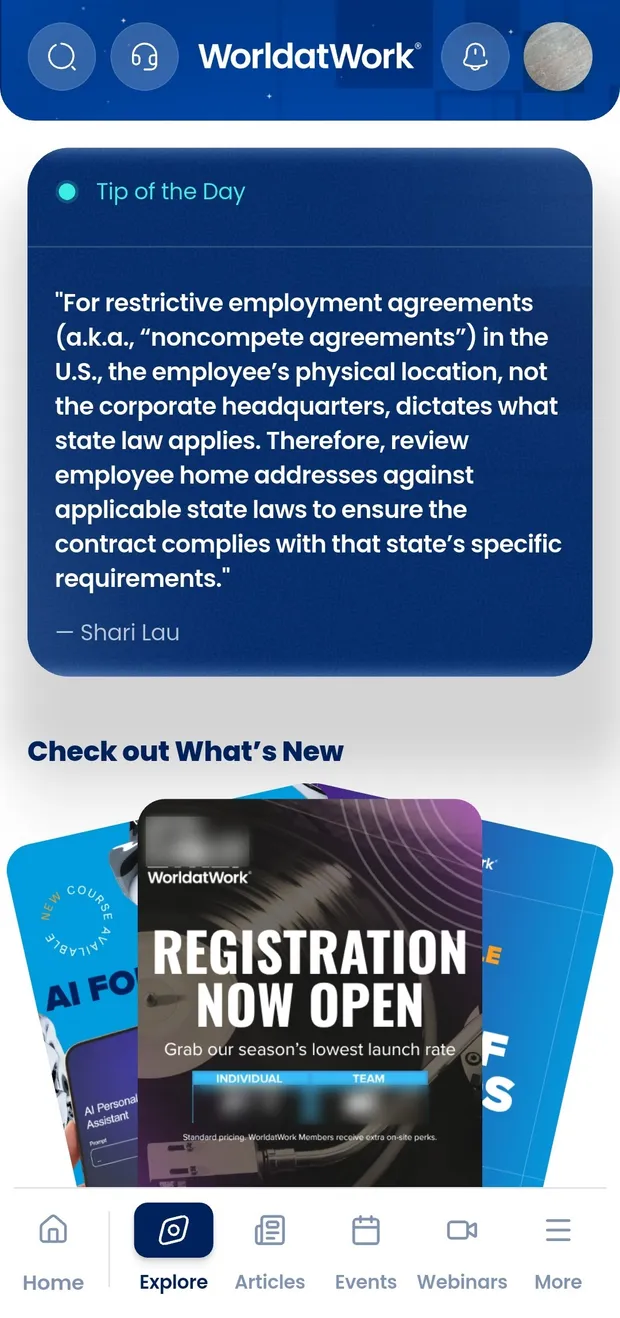
New articles, audio and video in one feed
A tip of the day, a poll, new articles, and audio and video. This is the tab members open between renewals.
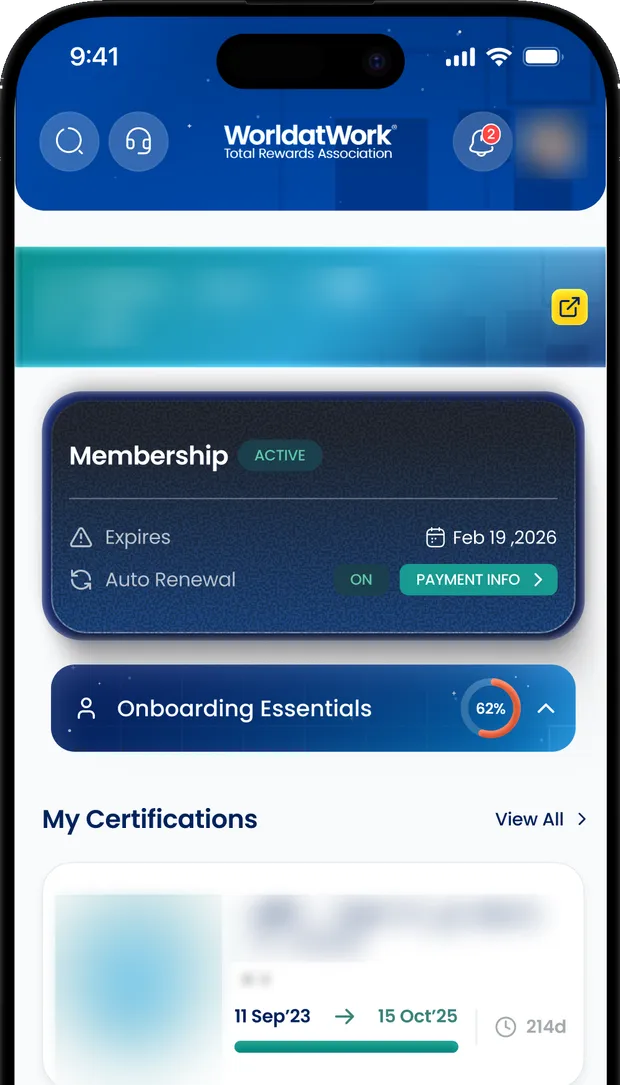
The home tab
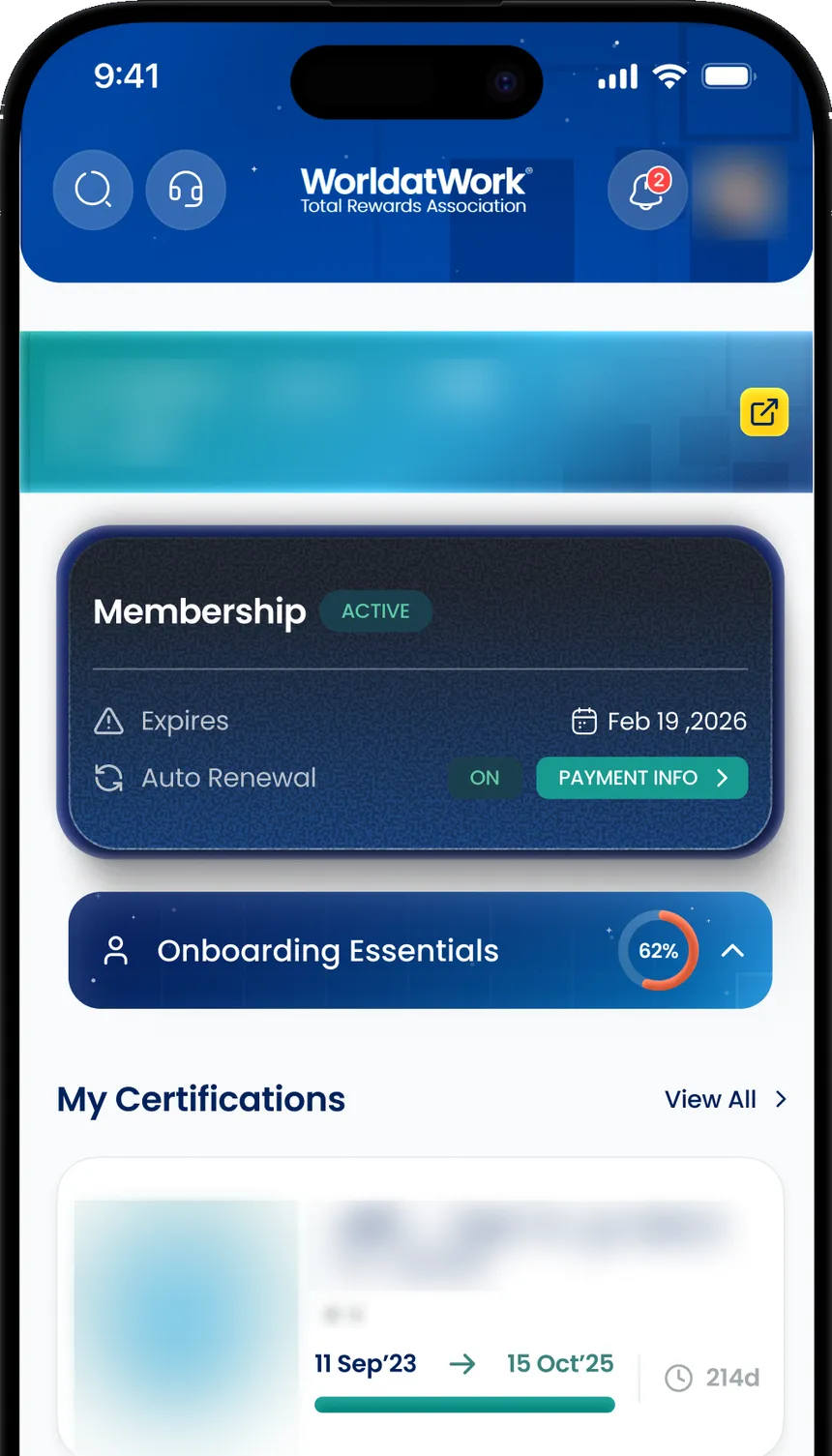
Membership, certifications and registrations
Membership status and renewal date, certifications and their progress, registered events, enrolled courses and saved articles. These are the things members usually email staff to ask about.
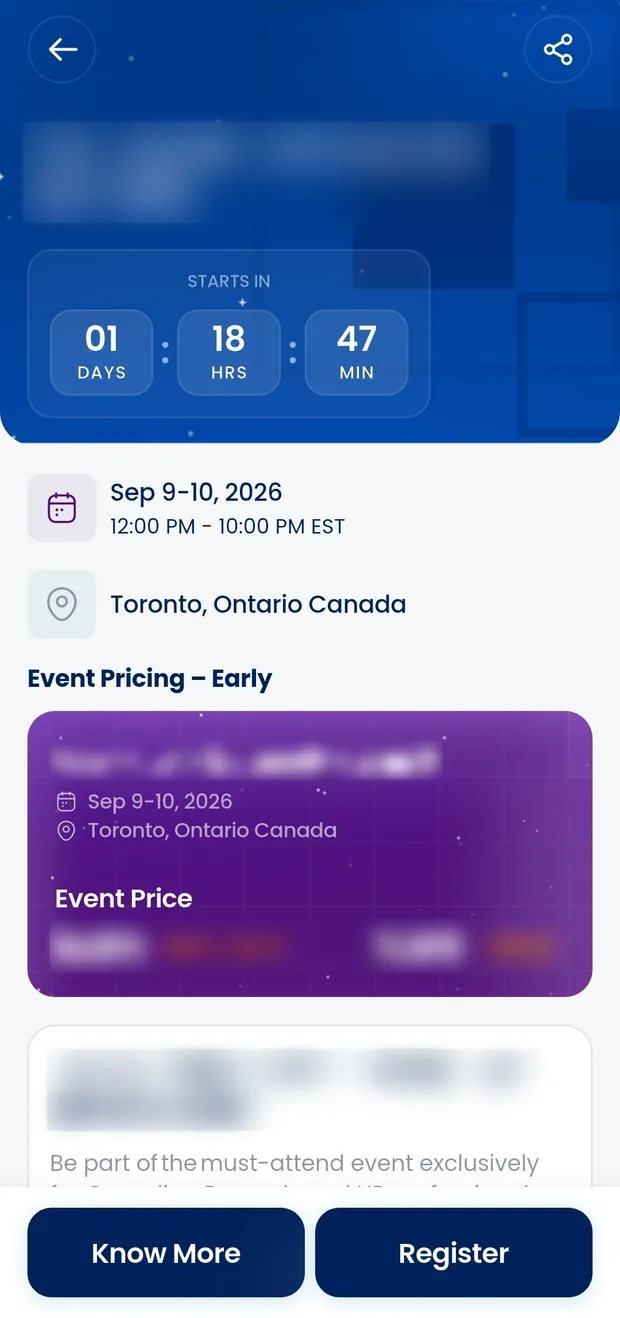
Events
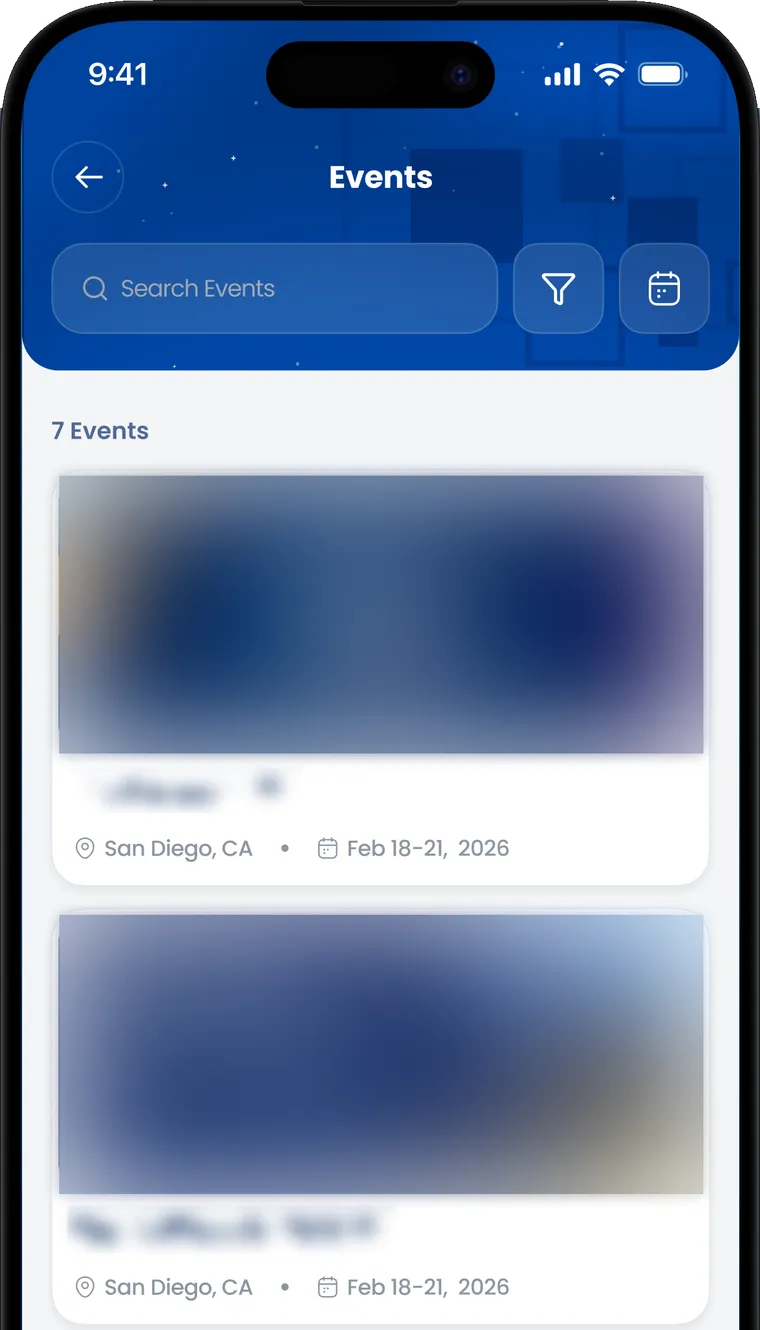
Event details and registration
Dates, location, the pricing tier that is running, and both member and non-member rates. Members register and pay in the app.
More of the app
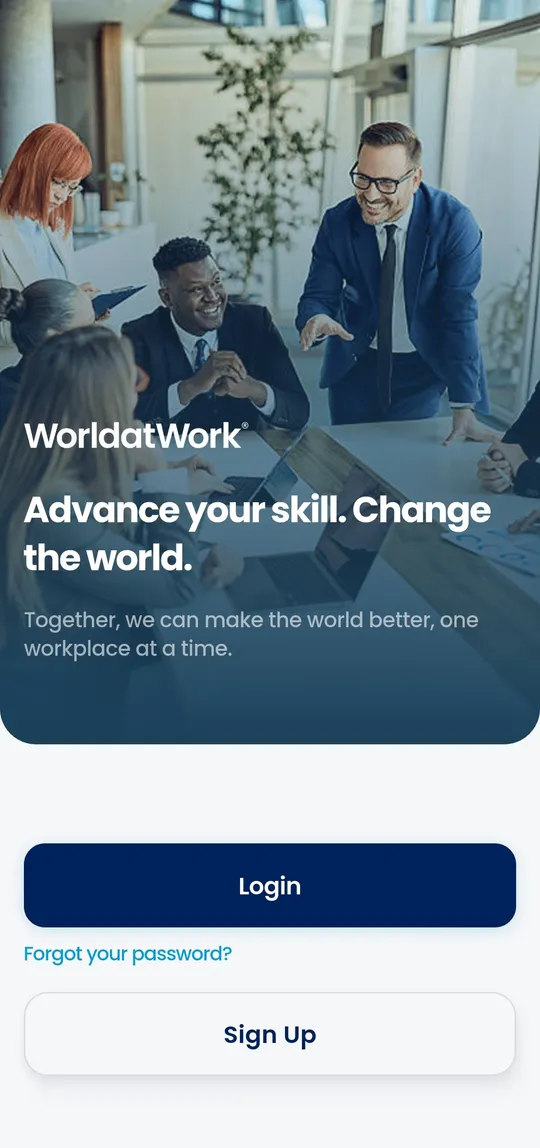
Sign in once
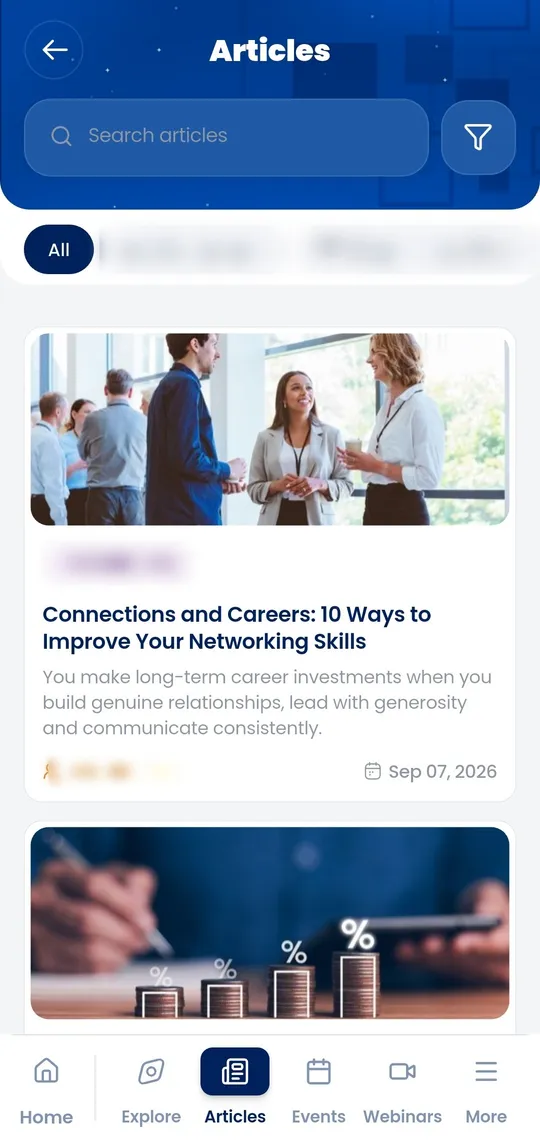
The article library
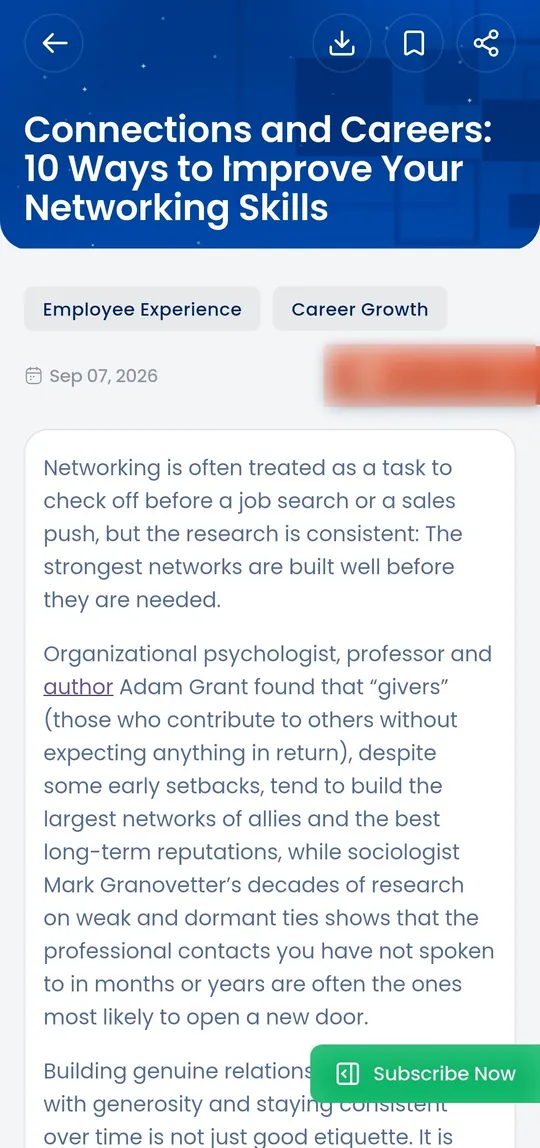
Reading an article
Short-form video
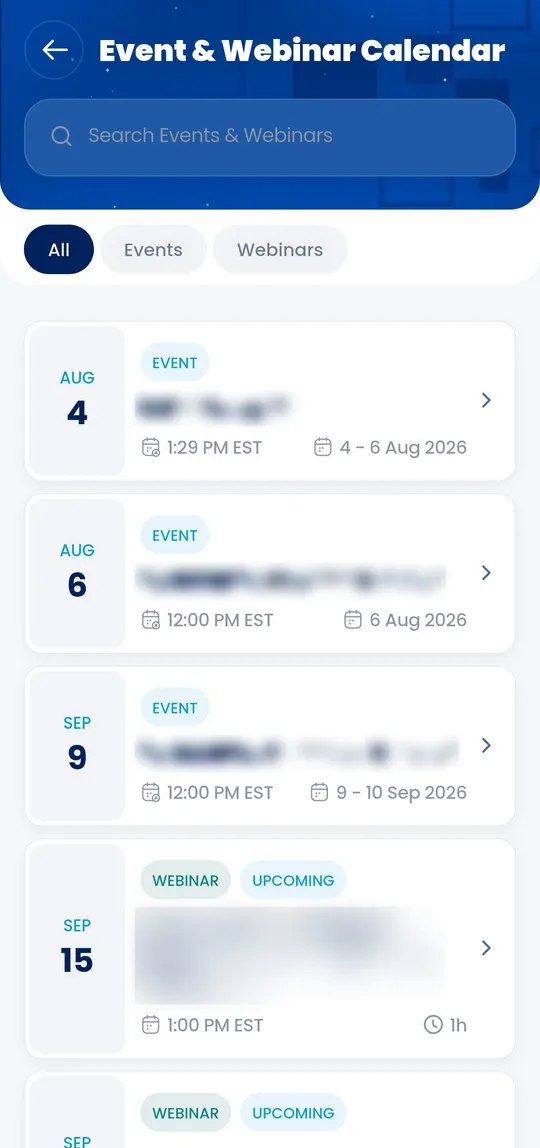
Event calendar
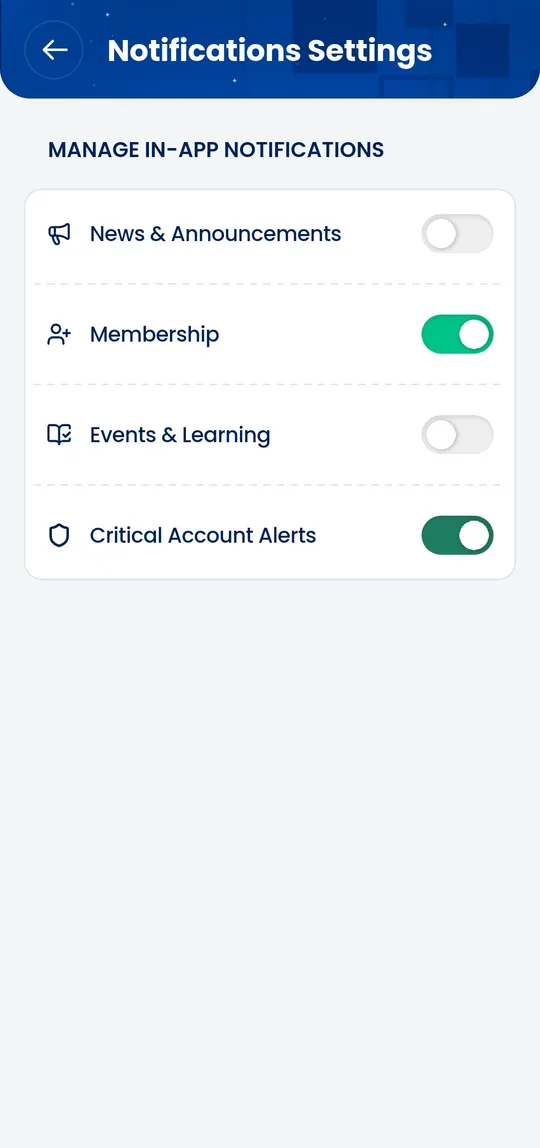
Notification settings
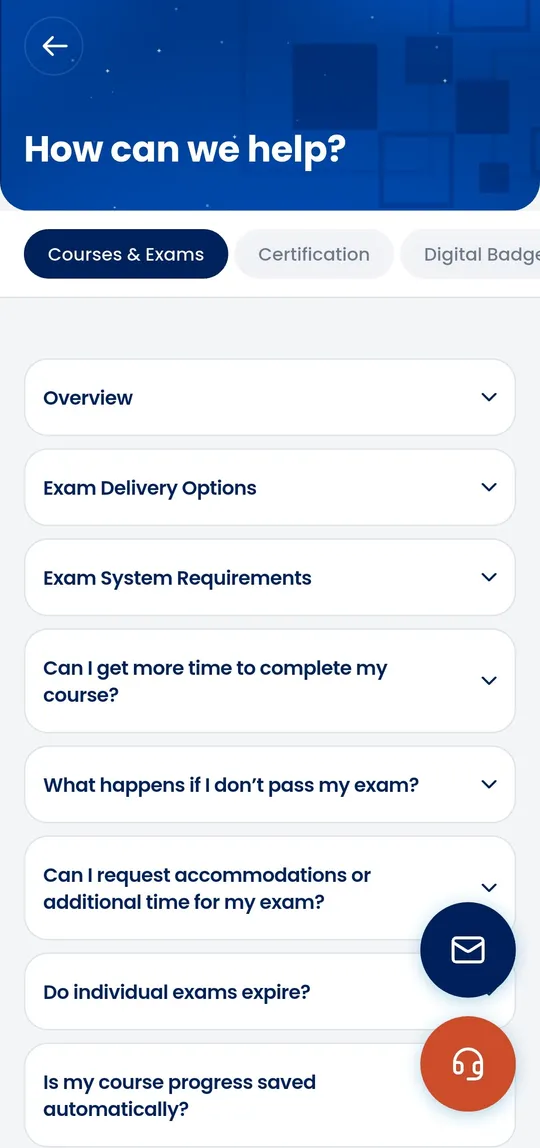
In-app help
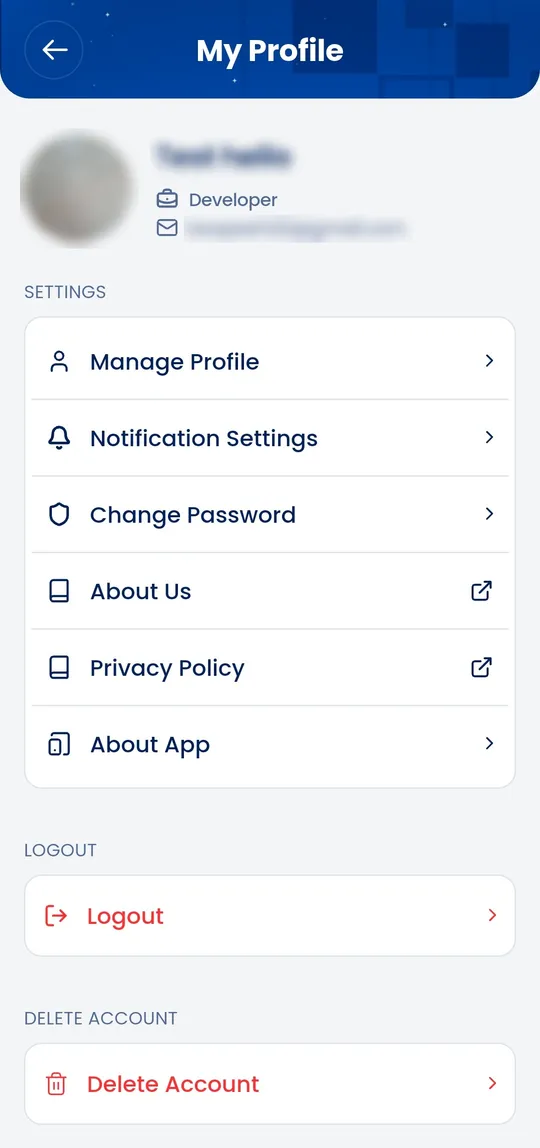
Profile and account
The setup
The app works with the existing systems
One sign-in for the member. The app connects them to the right system behind the scenes.
Five systems, five separate logins
- Website CMS
- Learning platform
- Event platform
- Community platform
- Identity and commerce
A member, on iPhone or Android
WorldatWork GO
The association’s own systems
Website CMS
Articles, journals, research
Identity and commerce
Membership, renewals, billing
Existing vendor platforms, unchanged
Learning platform (LMS)
Courses and certification coursework
Event platform
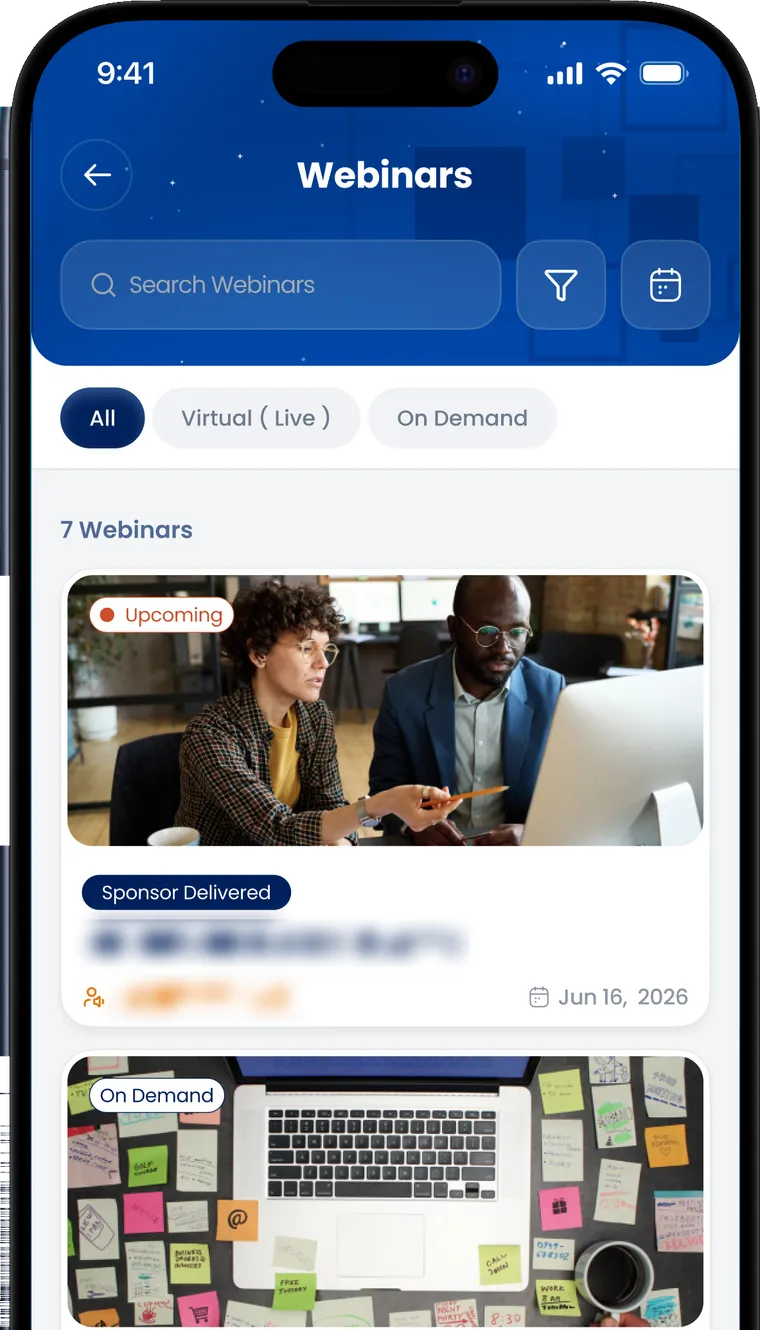
Conferences and webinars
Community platform
Discussion and peer networking
A mobile app that tightly integrates with the website, internal data sources and third-party applications.
Membership
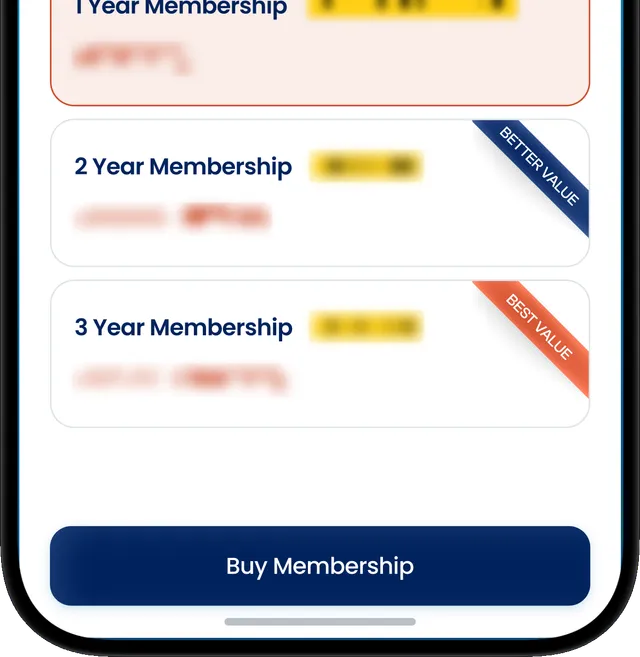
Joining and renewing happen in the app
A non-member who opens member-only content sees the membership options and can buy one without leaving the app. Renewals work the same way.
Each of those prompts records where it appeared and on what content, so the association can see which content leads to sign-ups.
Three things about how it was built
The vendor systems were kept
The LMS, the event platform and the community platform keep running as they were. Staff did not have to learn a new tool.
One codebase, two stores
The same codebase ships to the App Store and Google Play, so a change reaches iOS and Android at the same time.
WorldatWork owns it
The app runs in WorldatWork’s own store accounts and uses their own sign-in. It was built to be handed to their team.
Working on something similar?
If your association is looking at a member app, we are happy to talk it through. Thirty minutes is usually enough to cover what to build first and roughly what it costs.